QA Testing Software for Safety-Critical and Regulated Software
Summarize this article with:
Quality assurance testing matters on every software project, but the stakes rise sharply once a defect could put people at risk or derail a certification audit. In that world QA isn't only about catching bugs — it's about proving the system does what its requirements demand. On DO-178C, ISO 26262, EN 50128 and IEC 62304 projects, that proof has a specific shape: auditors don't just want passing tests, they want a documented requirement-to-test map showing that every requirement's expected behavior was actually verified, not merely exercised. General-purpose QA tools cover execution, regression and bug tracking well, but they don't natively trace a test back to the requirement it's supposed to verify — that traceability gap is exactly where safety-critical QA diverges from standard web and app QA, and exactly where KomAInu's automated requirement-to-test mapping and gap detection fit in.
This guide walks through the main categories of QA testing tools, what to look for in each, and where general-purpose testing stops and certification-grade verification — the layer KomAInu automates — begins.
Close coverage gaps before your next audit.
DO-178C · ISO 26262 · EN 50128 · IEC 62304
Understanding QA testing software and software quality assurance
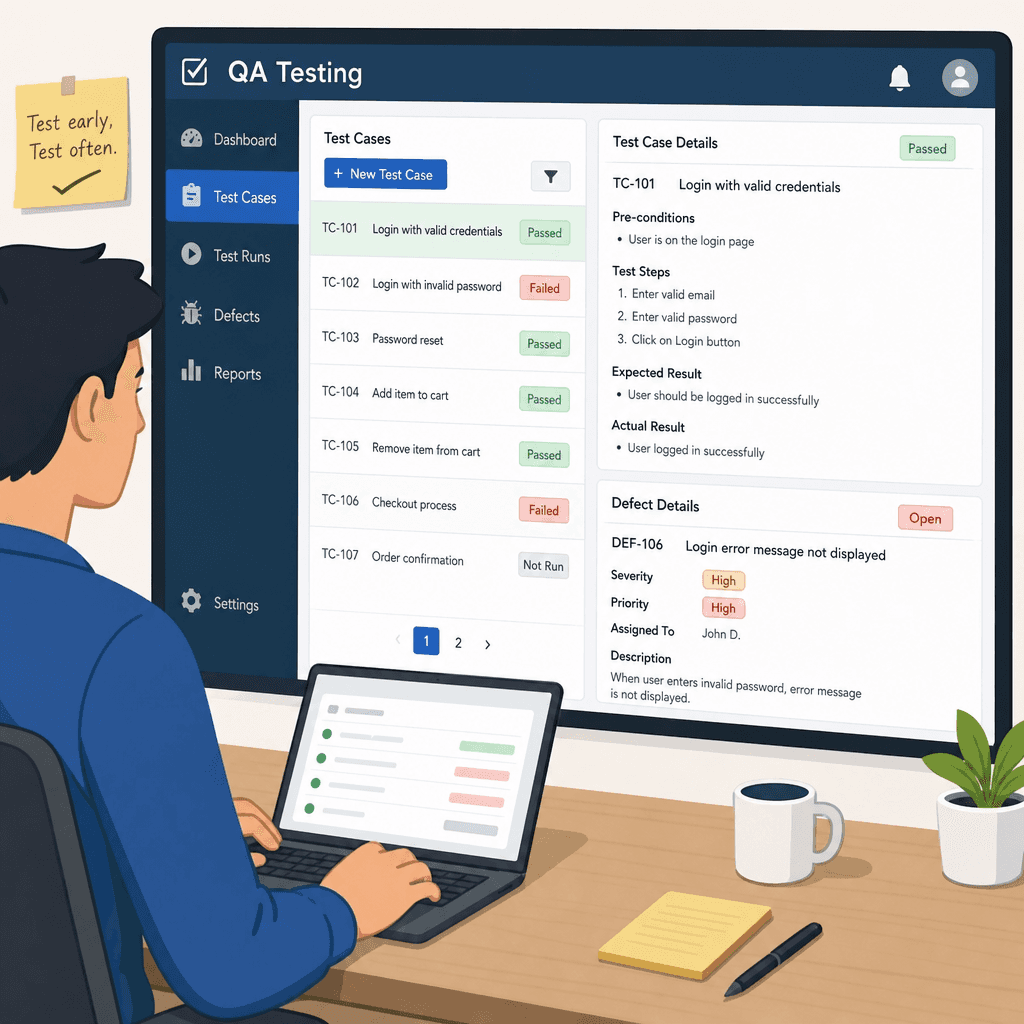
QA testing software is the backbone of modern software development. In safety-critical work it does more than speed delivery — it underpins the verification evidence a product cannot ship without.
So what is QA testing in software, concretely? It's the set of planned activities (reviewing requirements, designing test cases, executing them, and evaluating the results) that confirm a system behaves as specified before it ships. QA testing software is what runs, tracks and reports on those activities at scale.
Software quality assurance spans planning, execution and evaluation, and one of its core goals is preventing defects rather than only catching them after the fact. QA software lets teams automate repetitive tasks, cutting human error and raising testing throughput, while a comprehensive approach still blends manual and automated techniques for full coverage.
Benefits of a solid QA practice include consistency across environments, faster testing cycles, and fewer human errors in the results. The right mix depends on project complexity, team size and budget — and in regulated domains, a solid QA strategy also reduces the risk of a costly finding surfacing late in certification.
The role of QA testing in the software development lifecycle
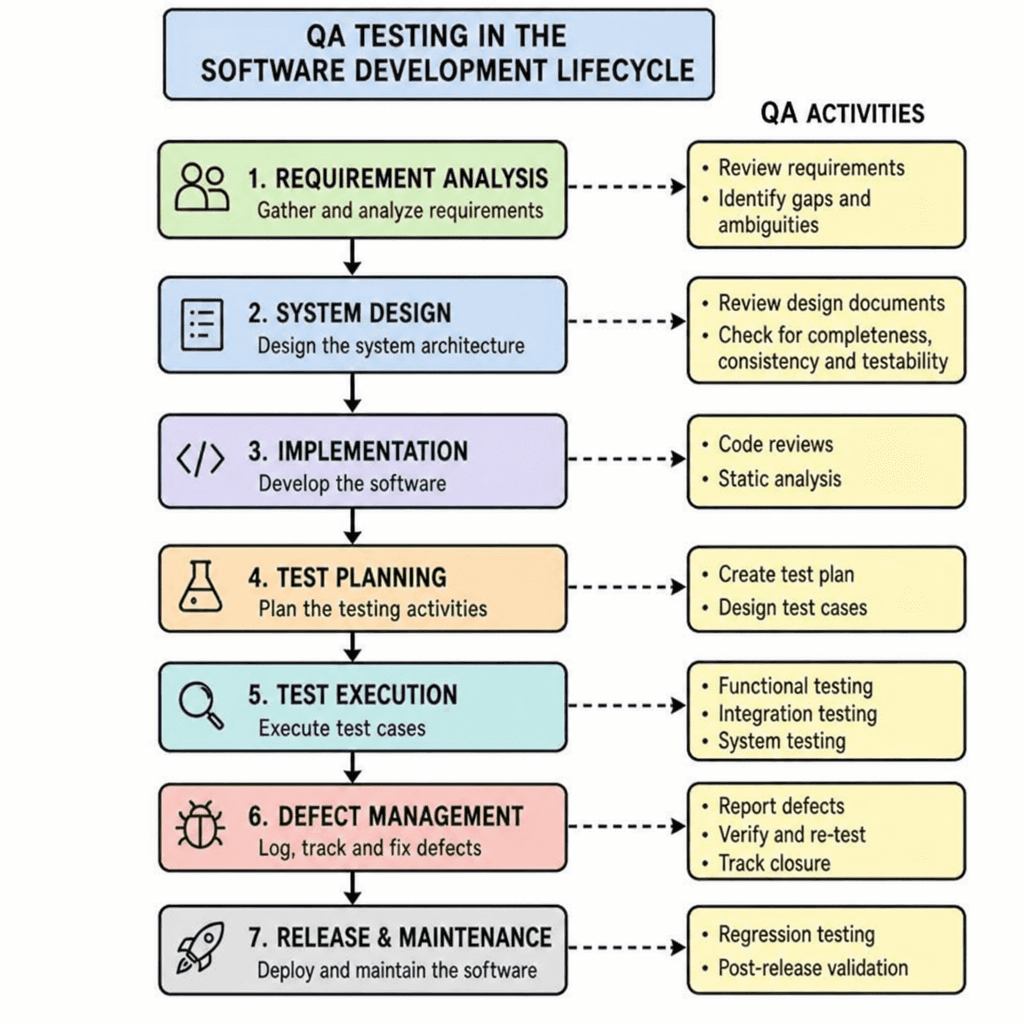
QA testing is woven into the software development lifecycle from requirement review through verification of the final build. In DO-178C and ISO 26262 programs, it's planned into every stage rather than bolted on at the end — catching defects early avoids costly fixes later.
Across a product's life, QA serves several functions: requirement validation, design verification and code testing, with the aim of preventing defects, managing risk and verifying quality at each step. As agile methodologies have spread, continuous testing has become essential to shipping faster without giving up quality.
Above all, QA testing exists to prove that every requirement is verified. In safety-critical software, that proof — complete requirement-to-test coverage — is what certification depends on.
Types of QA testing tools: an overview
QA tooling spans several categories: manual testing, automated testing, test management, bug tracking, performance testing, security testing, and CI/CD. Most are built for general web and application testing; safety-critical teams need an additional layer that ties every test back to a requirement.
Choosing the right mix comes down to project scope, team skills and budget — each category covers a different part of the lifecycle, together forming comprehensive quality assurance from start to finish.
Mid-article
Map requirements to tests before the next certification review.
Manual testing tools

Manual testing tools rely on human judgement. They matter most for exploratory work and for the design and code reviews that DO-178C and ISO 26262 require — checklists standardize the process, while exploratory testing and user simulation surface issues automation tends to miss.
Manual review remains essential for judgement-heavy checks that automation can't replace, and it works best paired with automated tools rather than instead of them.
Automated testing tools
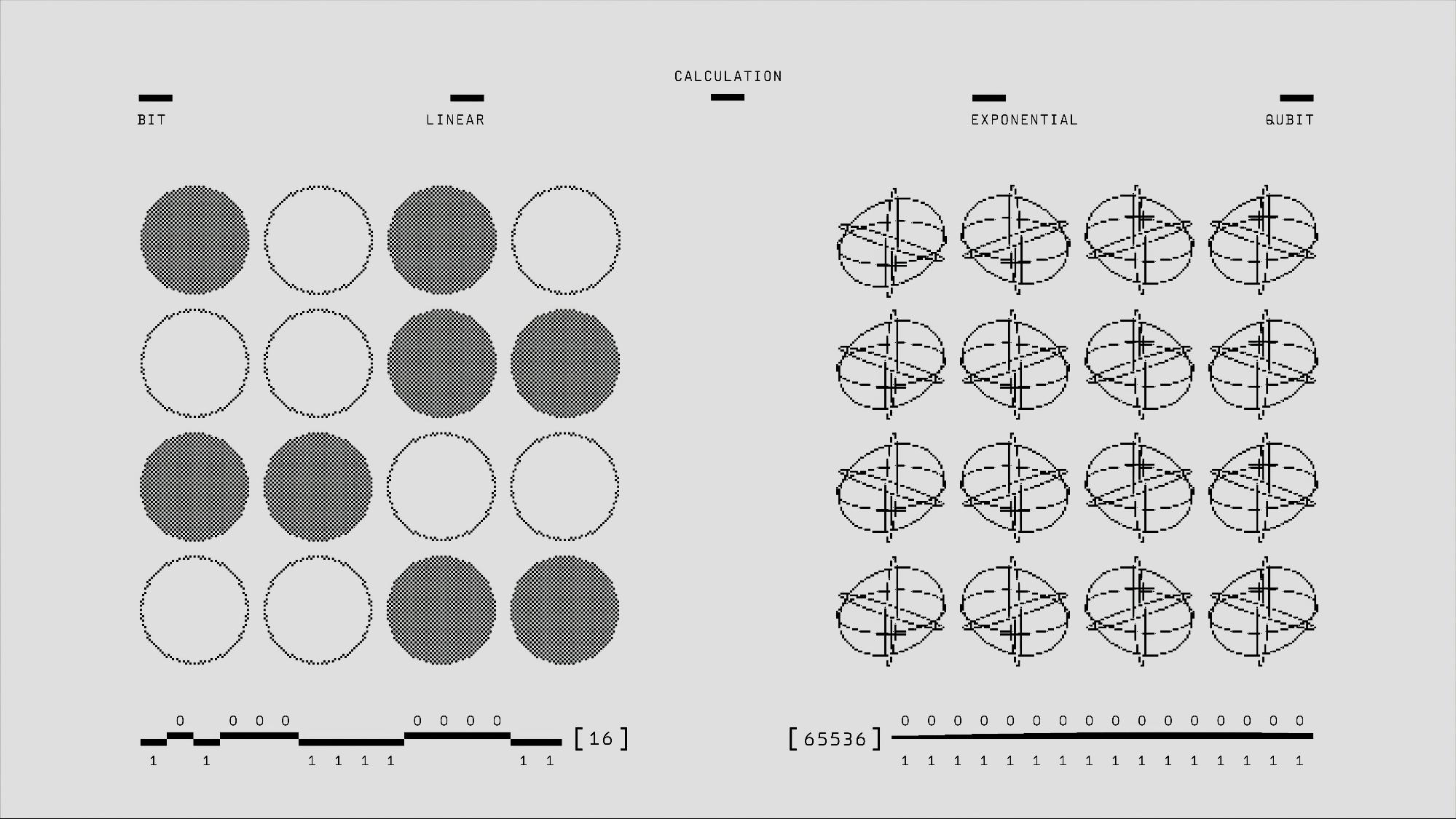
Automated testing tools bring consistency and speed to repetitive, large-scale test runs. In regulated programs they also produce the repeatable, recorded results that verification evidence is built from — script writing, unattended execution and clear reporting free testers to focus on the requirements that carry the most risk.
For the best results, automation is combined with manual testing rather than replacing it outright.
Test management software
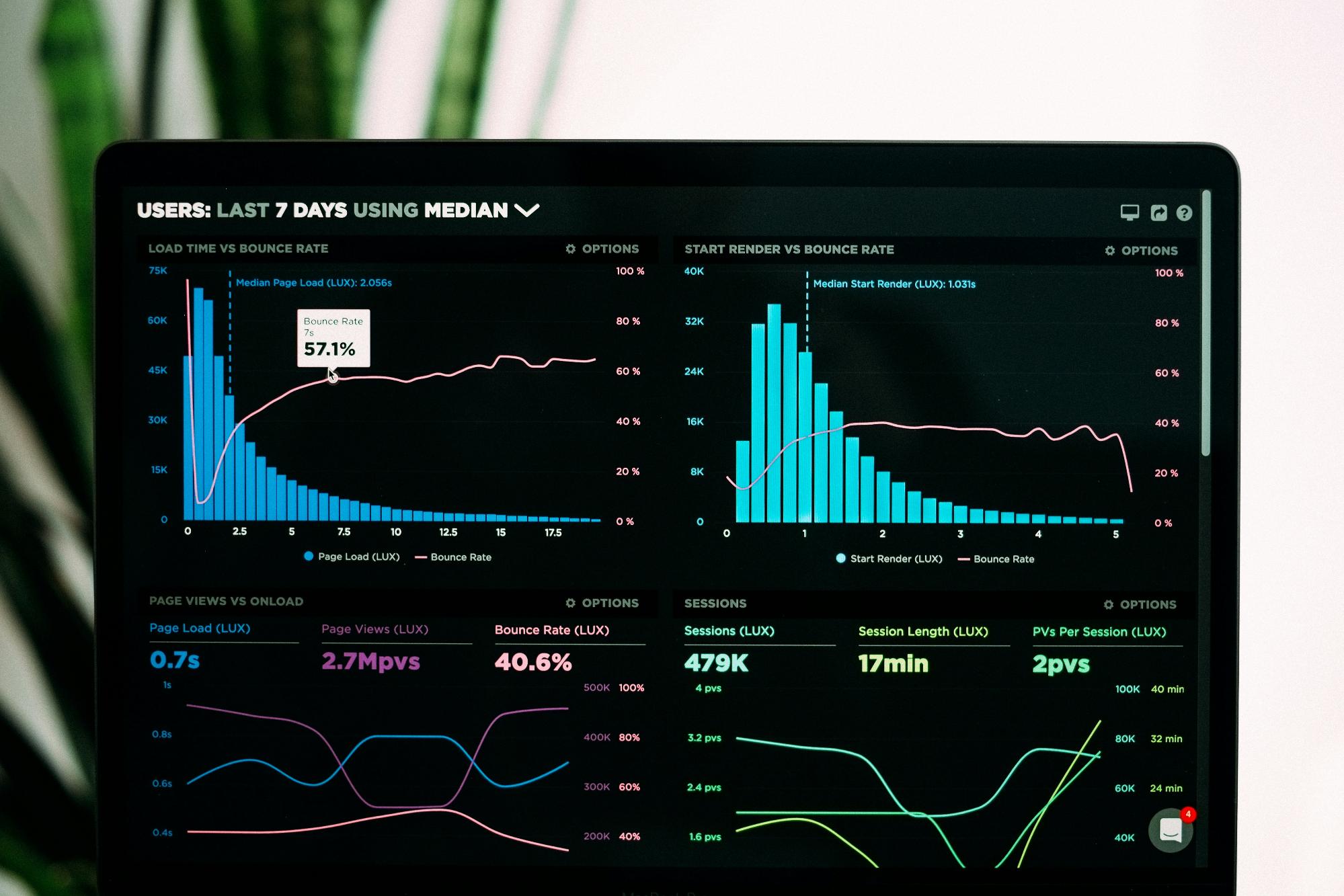
Test management software organizes test cases, runs and results in a central repository. For certification, it's where the link between requirements and their verifying tests lives — planning, scheduling and progress tracking keep the whole team accountable.
It's most effective when it integrates cleanly with bug trackers and automation tools, so nothing falls through the cracks between systems.
Bug tracking tools
Bug tracking tools manage defects from discovery to closure — logging detailed reports, tracking status changes and prioritizing critical issues. That trail is what lets a team show every finding was resolved and re-verified when it matters most.
Integrated with the rest of the toolchain, bug tracking speeds up resolution and keeps quality visible across the team.
Performance testing tools
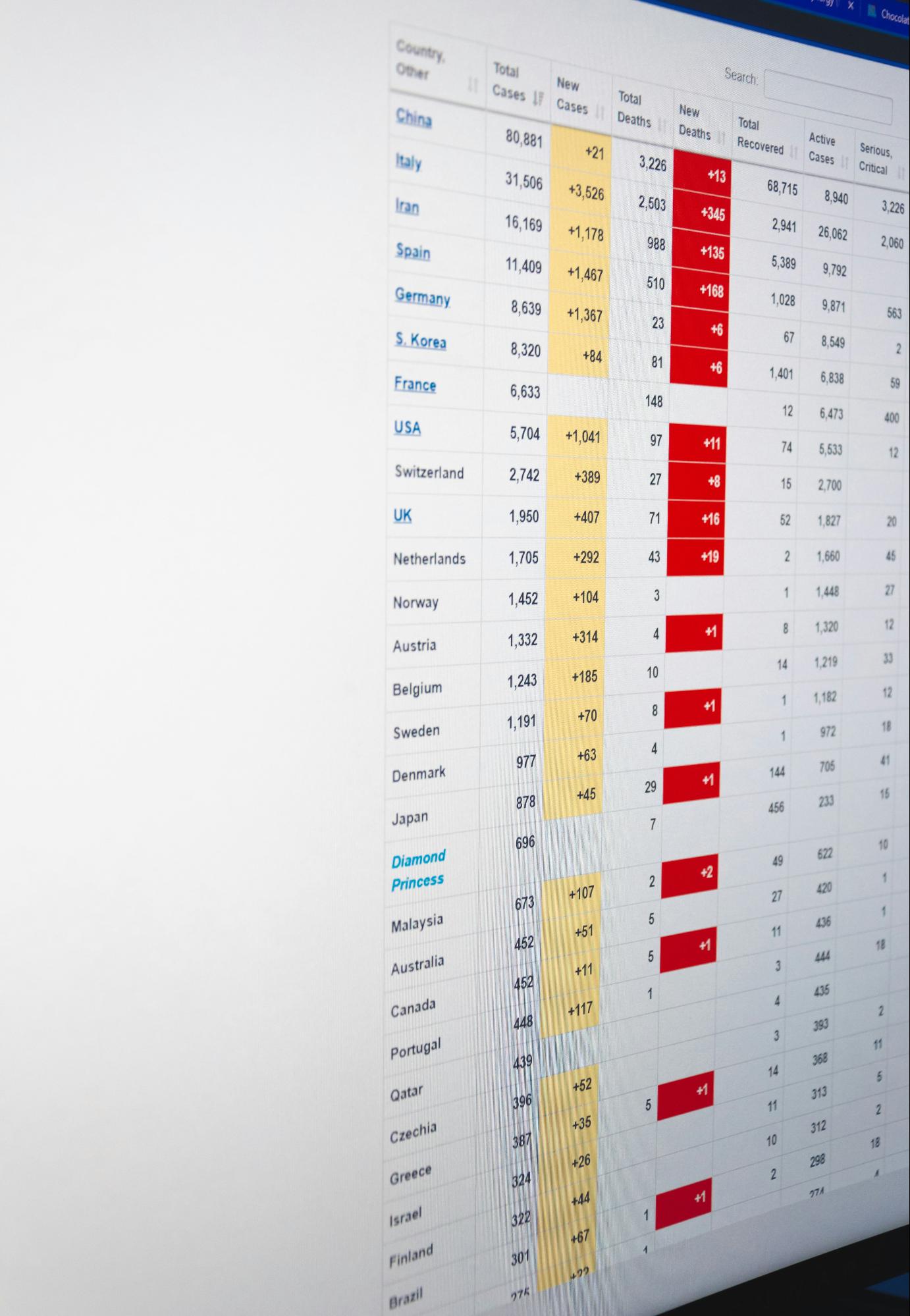
Performance testing tools simulate load to gauge speed, scalability and stability, and to flag bottlenecks before they reach users. That matters for many systems, though safety-critical certification centers on requirement coverage rather than load alone.
Keeping performance in view helps plan for growth and protects the user experience as systems scale.
Security testing tools

Security testing tools find vulnerabilities before attackers do, through scanning, threat analysis and compliance checks. That's increasingly relevant as standards such as ISO 21434 and DO-326A bring security into the safety case itself.
Regular, continuous security assessment is what keeps defenses current as the codebase and threat landscape both evolve.
Continuous integration and delivery tools

CI/CD tools automate the build and test cycle on every change, catching integration issues quickly and keeping verification current as a safety-critical codebase evolves.
Automated builds, continuous testing and deployment automation together shorten release cycles without sacrificing quality or team collaboration.
Tool qualification for regulated software: DO-330, TQL and ISO 26262's Tool Confidence Level
A QA tool that only helps a human tester work faster carries little certification risk. A tool whose output is used as verification evidence, or that replaces a manual verification step outright, is a different story — if that tool has an undetected error, the error can propagate straight into your compliance evidence. DO-178C addresses this through its companion standard, DO-330 (Software Tool Qualification Considerations), which requires any such tool to be qualified before its output can be trusted for certification credit.
DO-330 defines five Tool Qualification Levels, TQL-1 through TQL-5, set by two questions: could an erroneous tool output insert an error into the software, and if it did, would that error be caught by some other means — review, testing, or another tool? A tool that could silently insert an undetected error needs the strictest qualification data package (TQL-1); a tool that only reduces or eliminates a verification step whose output is still checked elsewhere needs much less (TQL-5). ISO 26262 mirrors this in Part 8, Clause 11, with Tool Confidence Level (TCL1 to TCL3), scored on the same two axes: Tool Impact and Tool error Detection.
For a buyer evaluating QA software for a DO-178C or ISO 26262 program, this matters in practice: before adopting a tool that generates or maps verification evidence — a coverage matrix, a traceability report, generated test code — your team needs to know where that tool's use sits on the TQL/TCL scale, and what qualification data (a Tool Qualification Plan, Tool Operational Requirements, a Verification Report) the vendor can support. KomAInu's outputs feed directly into that evidence chain, so this classification is worked out with your own certification team against your specific use of the tool — it isn't a blanket claim any vendor can make on your behalf.
ASIL decomposition and the role of independent certification
ISO 26262 assigns each safety goal an Automotive Safety Integrity Level — ASIL A to D, plus QM for non-safety requirements — based on the severity, exposure and controllability of the hazard it prevents. ASIL decomposition (ISO 26262-9, Clause 5) lets an architecture split a single high-ASIL requirement across two or more sufficiently independent redundant elements, so each element only has to be developed and verified to a lower ASIL — an ASIL D requirement, for example, decomposed into two ASIL B(D) paths. It's an architectural technique for managing development cost and complexity, not a way to reduce the underlying risk.
Decomposition changes which integrity level applies to which component, which in turn changes how much verification rigor and tool confidence each component's evidence needs. A coverage or traceability tool used across a decomposed architecture has to track the ASIL that actually applies to each element after decomposition, not just the system-level target — otherwise its evidence won't match what an assessor expects to see.
That expectation is ultimately enforced by an independent party. Self-declared conformance to DO-178C or ISO 26262 carries limited weight on its own — accredited certification and notified bodies (TÜV SÜD, TÜV Rheinland, TÜV NORD, Bureau Veritas, exida, SGS, and their counterparts in aerospace and rail) provide the third-party assessment that a product, and in some cases a specific tool or process, actually meets its claimed integrity level. That independent sign-off is what a certification authority, an OEM customer or an insurer ultimately relies on — which is why the traceability and coverage evidence a QA tool produces needs to be structured clearly enough for an outside assessor to review, not just for the internal team that generated it.
Key features to look for in QA testing software

For regulated work, a few features matter most: comprehensive coverage across functional, regression and load testing; a genuinely usable interface that keeps the learning curve short; and clean integration with bug trackers and version control.
Beyond that, look for scalability as suites grow, customizability for project-specific needs, robust reporting, and deployment options — cloud or on-premise — that fit your organization's infrastructure and policies. Strong community support and documentation round out the list.
Top QA testing software and tools in 2026
The QA landscape has moved fast: AI-assisted testing, low-code automation, cloud execution and deep DevOps integration are now standard expectations, not differentiators. Teams increasingly lean on AI to cut maintenance effort, widen coverage and ship faster.
Among the tools QA teams reach for most in 2026: Playwright and Cypress for modern web automation, Selenium as the long-standing enterprise standard, BrowserStack for cross-browser and cross-device cloud testing, TestRail for test management, Postman for API collaboration, and Apache JMeter for load testing. AI-native platforms such as Testim, mabl and Functionize generate and maintain UI tests automatically, while GitHub Actions, Azure DevOps and GitLab CI keep test execution running on every change.
Most of these tools target general web and application QA. Safety-critical teams need more: verification tied to requirements and standards. That's where KomAInu fits — reading your requirements and tests, finding coverage gaps, and generating the missing test cases for DO-178C, ISO 26262, EN 50128 and IEC 62304 projects.
How to choose the right QA testing software for your team
Start by assessing project complexity and scope, then weigh your team's existing skill set — tools that fit what people already know keep the learning curve short and adoption fast.
Budget shapes the shortlist too; open-source options can be a reasonable choice under tighter constraints. Beyond cost, check integration with your existing processes and the strength of the community and documentation behind each tool.
In short: project requirements, team expertise, budget, integration and community support. Weigh them together and the right toolset — and a smoother QA process — tends to follow.
Integrating QA testing tools with software testing services
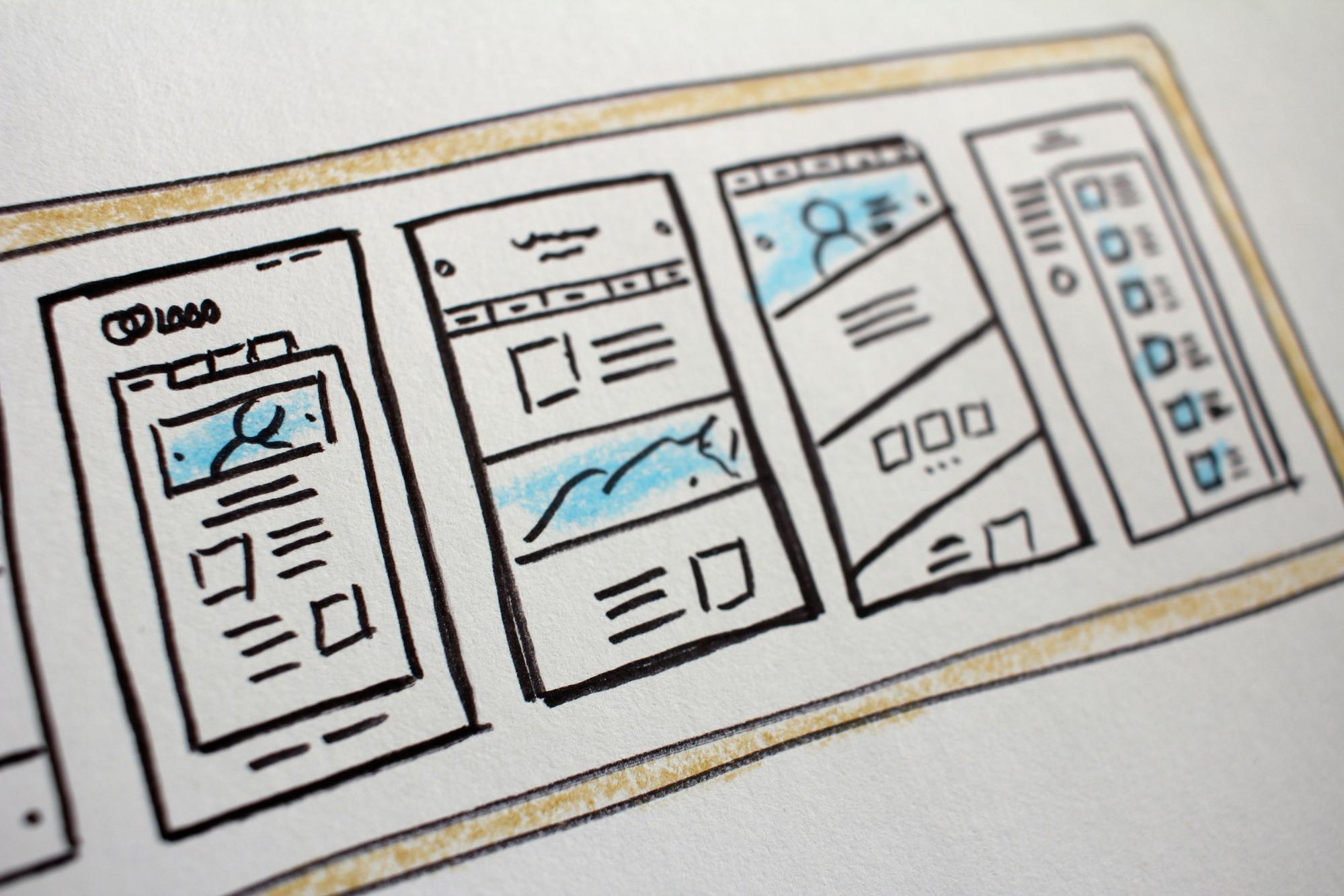
Connecting QA tools to your wider verification process compounds their value. For certification, the connection that matters is between your tests and the requirements they verify.
Done well, integration widens test coverage, feeds data-driven decisions from consolidated testing data, and keeps stakeholders aligned through real-time updates — identifying compatible tools, ensuring clean data transfer, and promoting a collaborative environment are the strategies that make it stick.
Best practices for effective software quality assurance

Effective QA takes planning and discipline. In safety-critical software, the discipline that matters most is keeping requirement-to-test traceability complete and current — and that starts with involving QA from the very beginning of the lifecycle, not bolting it on at the end.
Regular communication between developers and testers keeps requirements unambiguous, and continuous training keeps QA teams current with new tools and methods. Structured test plans — well-defined cases, comprehensive functional coverage, and clear success and failure criteria — tie it all together.
The future of QA testing: trends and innovations

QA testing is evolving fast, and nowhere faster than in agentic AI that reads requirements and tests to find and close coverage gaps automatically. AI-powered tools are already predicting defects before they occur and speeding up test cycles.
Shift-left testing keeps pulling QA earlier into development, continuous testing is becoming the default in agile teams rather than a discrete phase, and cloud-based testing environments keep adding flexibility as needs change. Together, AI and machine learning, shift-left strategies, and cloud-based solutions are reshaping what QA looks like day to day.
Conclusion: from general QA to certification-grade verification
As software complexity grows, a solid QA toolchain is essential — and for safety-critical software, it has to go beyond finding bugs to proving requirement coverage. Effective QA testing improves reliability, but in regulated domains its real job is producing defensible verification evidence that stands up to an audit.
Choose your mix of tools around your project, your team and, above all, the standard you certify against: automated and manual testing, bug tracking, performance and security testing, and continuous integration. General QA tools cover execution; certification needs traceability and coverage on top.
That's exactly what KomAInu adds to a safety-critical QA toolchain: agentic AI that builds the requirement-to-test trace, flags the gaps that would fail an audit, and generates the missing tests — so your DO-178C, ISO 26262, EN 50128 or IEC 62304 program reaches sign-off with less effort and more confidence.
AI compliance reviewer for regulated QA workflows →Frequently asked questions
What's the difference between generic QA testing tools and tools built for regulated software?
General QA tools test that software works — running, tracking and reporting on test execution. Tools built for regulated software also have to prove why it's compliant: that every requirement in your DO-178C, ISO 26262, EN 50128 or IEC 62304 program is traced to the tests that verify it, with no gaps a certification auditor could flag.
What is DO-330 and when does a QA tool need to be qualified under it?
DO-330 is DO-178C's companion standard for software tool qualification. A tool needs qualification when its output is used as certification credit or replaces a manual verification step, because an undetected error in that tool's output could propagate straight into your compliance evidence. Tools that only assist a human reviewer, with the review itself still catching errors, need lighter or no qualification.
What is a Tool Qualification Level (TQL)?
TQL-1 through TQL-5 are DO-330's five qualification levels, assigned based on how much impact an erroneous tool output could have and whether that error would be caught by some other means. TQL-1 is the strictest, for tools whose undetected errors could insert an error directly into the software with no other safety net; TQL-5 is the lightest, for tools that only streamline a step still checked elsewhere. ISO 26262 uses an equivalent scale, Tool Confidence Level (TCL1 to TCL3).
What does ASIL decomposition mean for verification tooling?
ASIL decomposition splits a high-ASIL requirement across independent redundant elements so each one only needs to meet a lower integrity level. Because the applicable ASIL can differ per element after decomposition, a traceability or coverage tool has to track the right level for each one — evidence sized to the system-level target alone won't match what an assessor expects from the decomposed architecture.
Why does TÜV or notified-body certification matter for QA tooling in a regulated pipeline?
Self-declared compliance carries limited weight with certification authorities, OEM customers or insurers. Independent, accredited bodies — TÜV SÜD, TÜV Rheinland, TÜV NORD, Bureau Veritas, exida and equivalents — provide the third-party assessment that a product, and sometimes a specific tool or process, actually meets its claimed integrity level. That's why the coverage and traceability evidence a QA tool produces needs to be clear enough for an outside assessor to review, not just for the internal team that generated it.
Does KomAInu hold DO-330 or ASIL tool certification?
No. KomAInu isn't a certification body and doesn't issue or hold DO-330/TQL or ISO 26262/TCL qualification credentials on your behalf — tool qualification is established by your own certification team against your specific use of the tool. What KomAInu does is produce the underlying requirement-to-test traceability and coverage evidence in a structured form that supports whatever qualification package your program requires.